What is omnichannel retail?
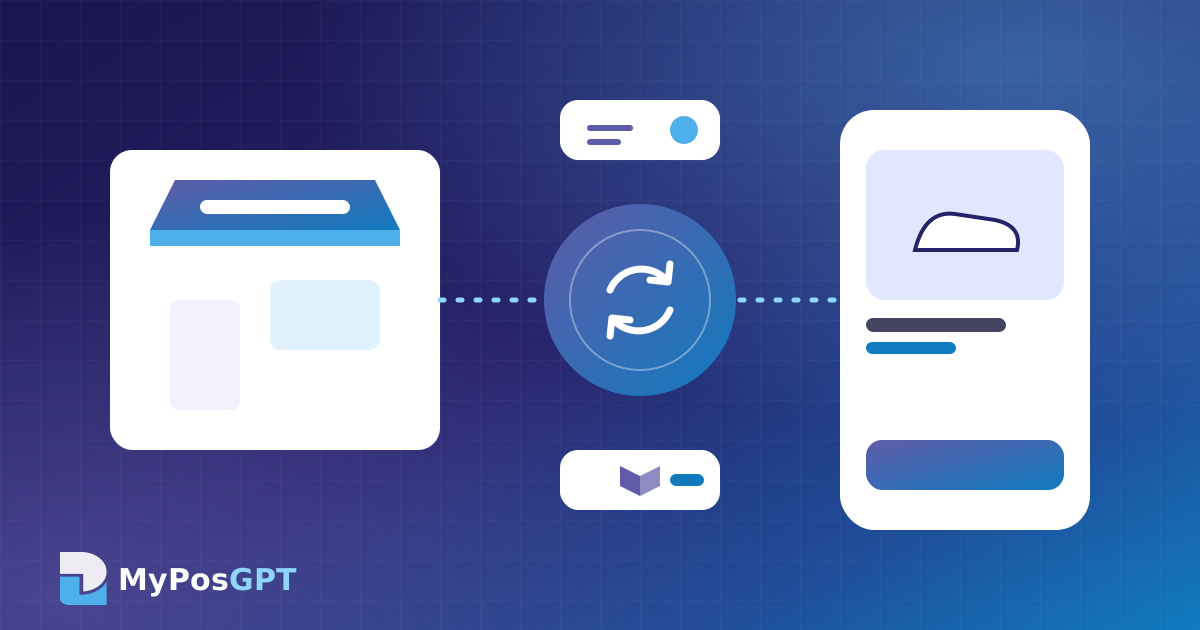
Omnichannel means that wherever a customer buys, whether in-store, on your website, on a Facebook page or on a marketplace, every sale feeds into one central system. There is one stock figure and one customer profile.
What goes wrong when online and in-store stock are kept separately?
- Overselling: the last item sells in the shop while the website still shows "in stock".
- Cancelled orders and bad reviews: failing to deliver damages customer trust.
- Double work: stock and prices must be updated separately on each channel.
- Split customer records: the same customer buying online and in-store ends up with two separate records.
How does POS and e-commerce stock sync work?
- All channels connect to one central inventory.
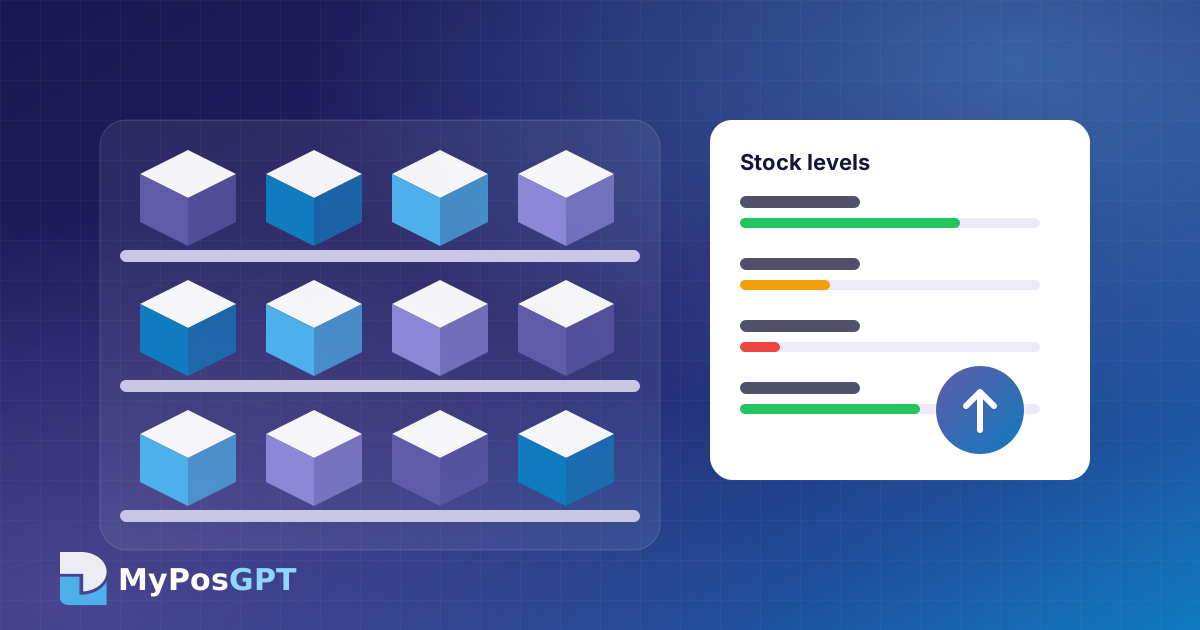
- When a bill is made in-store or an order arrives online, the product's stock drops straight away.
- When new stock arrives or an item is returned, the quantity rises on every channel.
- Online orders appear in the POS order list with their packing, shipping and delivery status.
What should you know about connecting marketplaces?
A marketplace connection depends on that platform's API or data-exchange options and permissions. Before connecting, check:
- What will sync: stock, prices, orders, or all of them
- How often it syncs: instantly or at set intervals
- Whether product codes (SKUs) are the same on every channel
- What happens if the connection drops (for example, showing a small buffer of less stock online)
What are the steps to set up omnichannel selling?
- Clean up the product list: give every product a unique SKU and barcode.
- Choose one central inventory: decide which location fulfils online orders.
- Connect channels: your website first, then applicable marketplaces.
- Keep buffer stock: show one or two fewer units online for fast-selling items.
- Check reports daily: watch sales and cancelled orders by channel.
What do you gain from having customer data in one place?
If a customer buys shoes online and a shirt in-store, one profile shows both. That makes it easier to recommend the right products and send relevant campaigns. Read more in our AI customer analysis guide.
How does e-commerce integration work in MyPosGPT?
In MyPosGPT, sales, orders and stock from the POS, online store, warehouse and connected marketplaces are managed from one place. Every channel runs from one inventory, and an online order updates stock in the POS. See the e-commerce features.