What is inventory management software?
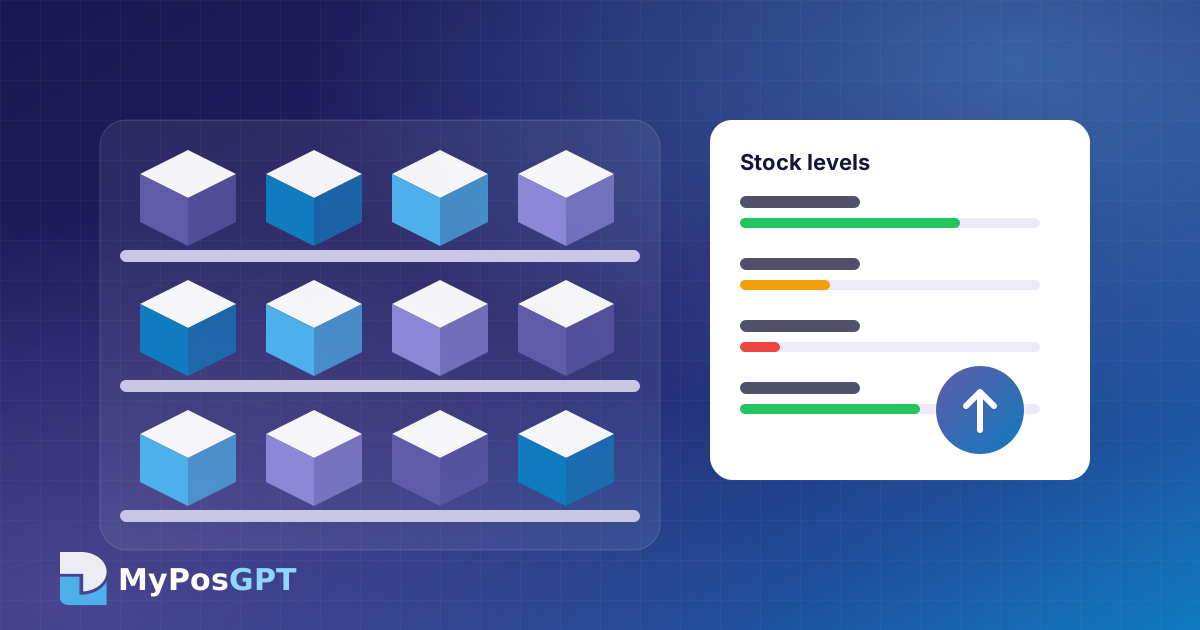
Inventory management software tracks the quantity, value and movement of every product across shops, branches and warehouses. The figures you would otherwise write by hand in a ledger or Excel every day update automatically with each transaction.
What goes wrong when stock is kept in a ledger or Excel?
- Late updates: stock is reconciled at day's end, so nobody knows the real figure during the day.
- Errors and mismatches: handwriting and copy-paste mistakes make it hard to trace missing items.
- Branches in silos: one branch runs out while another has the same product sitting on the shelf.
- Over- and under-stocking: buying without demand data ties up cash while popular items run out.
How does real-time stock work?
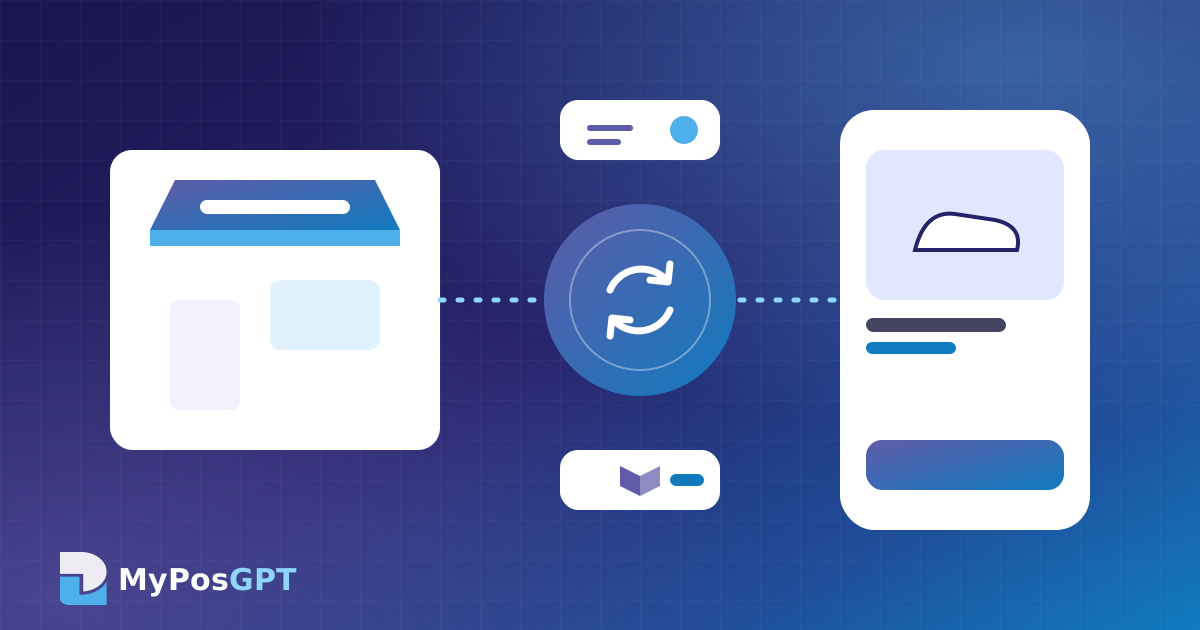
The moment a sale, purchase, return or transfer happens, the stock for that product goes up or down. The owner can check from a phone or computer at any time how many of each product are in each branch. When the online store and marketplaces share the same inventory, the risk of selling the same item twice (overselling) also drops. See our POS and e-commerce sync guide.
How do you set a reorder point?
The reorder point is the stock level at which you should place a new order. A simple formula:
Reorder point = (average daily sales × supplier lead time in days) + safety stock
Example: a tea pack sells 4 units a day on average, the supplier takes 5 days to deliver, and you want 10 units as a safety buffer. The reorder point is (4 × 5) + 10 = 30 units. When stock drops to 30, the software alerts you.
AI-powered systems can suggest adjusting this number over time based on festival seasons and sales trends.
How do you manage stock across branches and warehouses?
- Set up each branch and warehouse as a separate location.
- Use stock transfers to move goods, so both sending and receiving are recorded.
- Keep branch-level reorder points, because demand differs by area.
- Check a weekly report for slow stock in one branch and shortages in another.
What is the right way to count stock and fix mismatches?
- Cycle counts: instead of counting the whole shop in one day, count a few categories every week.
- Barcode scanner or phone camera: scanning while counting reduces errors.
- Record the reason: adjust with a reason such as damaged, expired or missing, which makes audits easier.
- Restrict access: give stock-adjustment rights only to named people.
How does inventory work in MyPosGPT?
MyPosGPT shows stock for shops, branches and warehouses on one dashboard. It highlights low-stock and out-of-stock items, handles stock transfers and purchase orders in the same system, and scans with a barcode scanner or a phone camera. See the features in action.